AVN2210p > How to Operate the USB Music File Player > File Search
File Search

1.
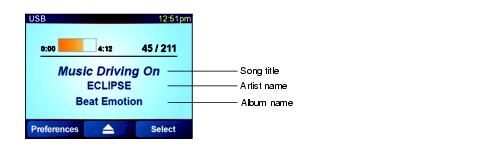
Touch "Select".
2.
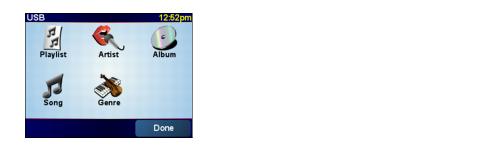
Touch "Playlist", "Artist", "Album", "Song" or "Genre".
3.
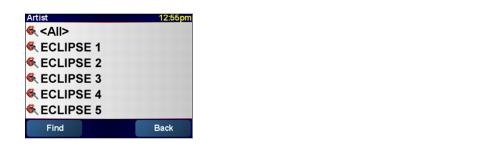
Touch the name of the music file to be played.
The selected file in the USB memory is played.
If  and
and  are displayed, you can change the displayed page of the music file list by
touching them.
are displayed, you can change the displayed page of the music file list by
touching them.
and are displayed, you can change the displayed page of the music file list by
touching them.
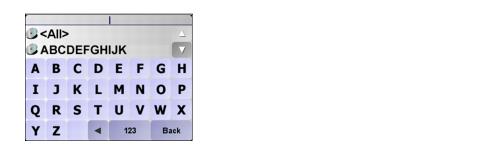
You can search for a file name or the name of an artist by touching "Find".
You can search for a music file by entering alphanumeric characters.

• Music files in the USB memory can be played only when the PND is attached to the main unit.
• Do not remove the USB memory without first switching the display to the audio screen and then touching the  switch. Loss of data may result if this procedure is not followed.
switch. Loss of data may result if this procedure is not followed.
• If the USB memory or PND is removed from the main unit when a music file in the USB memory is being played, the mode is returned to the one previously selected.
• It may take up to 15 seconds to read the files in the USB memory.
• When voice guidance is given in the USB mode, all the speakers are muted and the guidance is heard through the speaker.
